Smart Trainers Explained: Types, ERG Mode and What to Look For
What makes a trainer "smart", how wheel-on, direct-drive and smart bikes differ, what ERG mode does and which specs actually matter when you choose one.
Read More »Garmin Connect does not import workout files, but there are three reliable ways to get a structured ride onto your Edge or watch.
October 28, 2026 · 2 min read
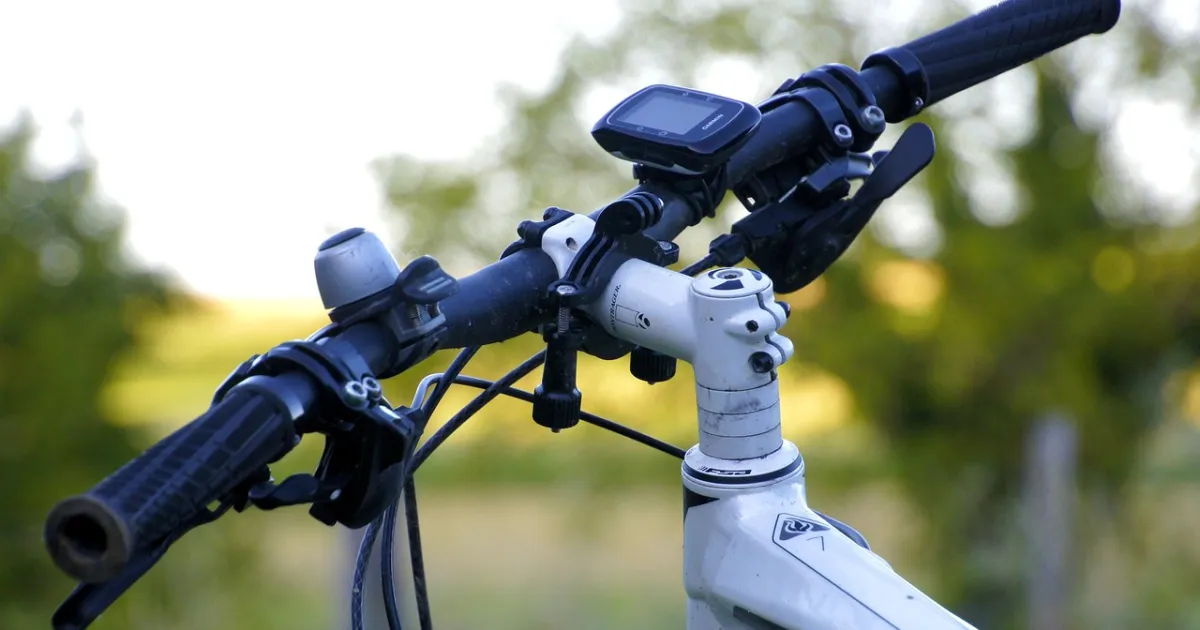
A Garmin Edge or watch can run a structured workout step by step, beep at every interval and, paired with a smart trainer, control the resistance. One thing surprises many riders: Garmin Connect does not import workout files. Its import accepts completed activities and courses, not planned workouts. So the workout has to arrive another way.
For a workout you will ride often, building it once in Garmin Connect is the cleanest route.
Which workouts sync automatically can depend on your TrainingPeaks account type, so check the connection settings if a workout does not arrive.
If you have a structured workout as a .FIT file, you can copy it straight onto many Garmin devices: connect the device by USB and copy the file into its NewFiles folder (some devices use a Workouts folder), then eject the device. The file goes onto the device directly, not through Garmin Connect. Training services such as TrainingPeaks can export structured workouts as .FIT files for this.
| Option | Best for | Needs |
|---|---|---|
| Build in Garmin Connect | A few favourite workouts you repeat | Only a Garmin account |
| Sync from TrainingPeaks | Following a plan or a coach's calendar | TrainingPeaks account linked to Garmin |
| Copy a .FIT file | One-off workouts from other sources | A USB cable and a .FIT workout file |
Pair your smart trainer with the Edge as a fitness equipment sensor. When you start the workout, the Edge can set the trainer's resistance to each power target, much like ERG mode in an app. Make sure your FTP on the device matches your current FTP if targets are set as percentages.
No. Garmin Connect imports completed activities and courses, not planned workouts. Build the workout in Garmin Connect, sync it from TrainingPeaks, or copy a .FIT workout file directly to the device.
Open the saved workout in Garmin Connect and choose Send to Device, or schedule it on your calendar and sync the device.
Yes. Pair the trainer as a fitness equipment sensor and the Edge can set the resistance to each step’s power target.
What makes a trainer "smart", how wheel-on, direct-drive and smart bikes differ, what ERG mode does and which specs actually matter when you choose one.
Read More »TrainingPeaks can import structured workouts as .zwo files. Here is how to add them to your Workout Library, put them on your calendar and get them onto your trainer.
Read More »There are two ways to get a structured workout onto a Wahoo head unit: sync it from a training app, or copy the file over USB. Here is how both work on Mac and PC.
Read More »